
Every creator who has waited in a browser queue for an AI image to render knows the frustration. Cloud-based generators throttle you during peak hours, cap your resolution, and quietly store every prompt you type. For illustrators, game designers, and marketing teams who generate images daily, those limits add up to lost time and lost control over their own work.
Local AI image generation flips that arrangement. Instead of renting compute from a distant server, you run the models on hardware you control, with no queue, no usage cap, and no third party watching what you create. The trade-off is that you need a workflow built for flexibility rather than convenience, which is exactly what a node-based tool like ComfyUI provides once you understand how to set it up.
What Local AI Image Generation Actually Means
Running image generation locally means the diffusion model, the checkpoint files, and the processing itself all live on your machine or your private server. There is no API call leaving your network and no dependency on a vendor’s uptime. This matters most for people producing commercial artwork, concept art for unreleased products, or client work under NDA, where sending prompts to a third-party cloud service is a real liability.
Getting started usually means picking a tool that exposes the full generation pipeline rather than hiding it behind a simplified interface. The local ai image generation setup available through ComfyUI is a good example: it installs as a self-contained application on your own infrastructure, so the checkpoints, LoRAs, and output files never touch anyone else’s servers. Once installed, you interact with a visual graph instead of a single text box, which changes how you think about the generation process itself.
Building a Workflow That Fits Your Creative Process
A workflow, in this context, is a saved sequence of steps: load a checkpoint, apply a sampler, run it through an upscaler, maybe blend in a second model for style transfer. Once you build one that works for your style, you reuse it indefinitely and tweak individual nodes without rebuilding everything from scratch. This is where local generation starts to outperform hosted alternatives for anyone doing repeated, similar work.
Node-Based Control vs One-Click Presets
Hosted generators tend to offer presets: a style dropdown, a resolution slider, maybe a handful of advanced settings hidden behind a paywall. A node-based approach exposes every stage of the pipeline as a separate block you can rewire. Want to swap the sampler mid-generation, chain two models together, or mask part of an image for selective inpainting?
You connect the nodes yourself. It takes longer to learn than a preset menu, but the ceiling on what you can build is far higher, and nothing about the process depends on a vendor deciding which features to unlock at which subscription tier.
Hardware Realities and Performance Trade-offs
Local generation is not free of constraints, it just moves them. Instead of a subscription fee, your limit becomes GPU memory and processing speed. A mid-range consumer GPU can comfortably run standard diffusion models at reasonable resolutions, though larger checkpoints or batch generations will push against those limits faster than most people expect.
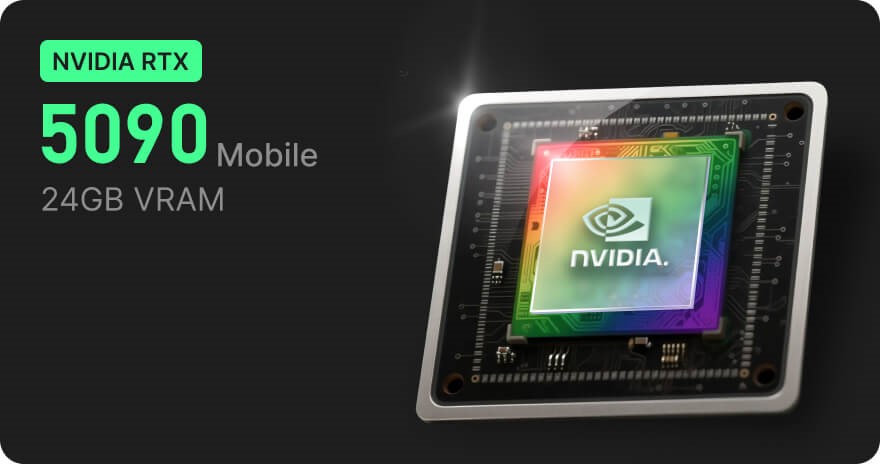
The practical fix is matching your workflow to your hardware rather than fighting it. Lower the batch size, generate at a smaller base resolution and upscale afterward, or schedule longer batch jobs overnight when you are not actively working. None of these are exotic techniques, they are the same tricks that professional render farms have used for years, just applied at a personal scale.
Keeping Full Ownership of Your Generated Work
Ownership questions get murky with hosted tools, especially around training data and how your prompts might be reused. Running the pipeline yourself removes the ambiguity: the images, the intermediate files, and the prompt history all stay on infrastructure you manage. Platforms like Olares are built around this exact idea, packaging self-hosted apps so that creative tools sit on your own private cloud instead of a shared commercial one, which keeps the entire generation history under your control by default.
That ownership extends to iteration too. When you keep every checkpoint and generated variant locally, you can revisit an old project months later with the exact same setup, something that is far less reliable when a hosted service updates its models without warning.
Taking Creative Control Back From the Cloud
Local AI image generation asks more of you upfront: you configure the environment, manage the hardware, and learn a less forgiving interface than a hosted app’s single prompt box. What you get back is a workflow with no usage caps, no data leaving your control, and no dependency on a company’s roadmap decisions.
For creators producing work regularly enough that cloud fees and queue times become a real cost, that trade is usually worth it. Start with a single reliable workflow, get comfortable with the node graph, and expand from there as your projects demand more from the pipeline.